At a glance
Gameplay walkthrough
Hands-on blasting
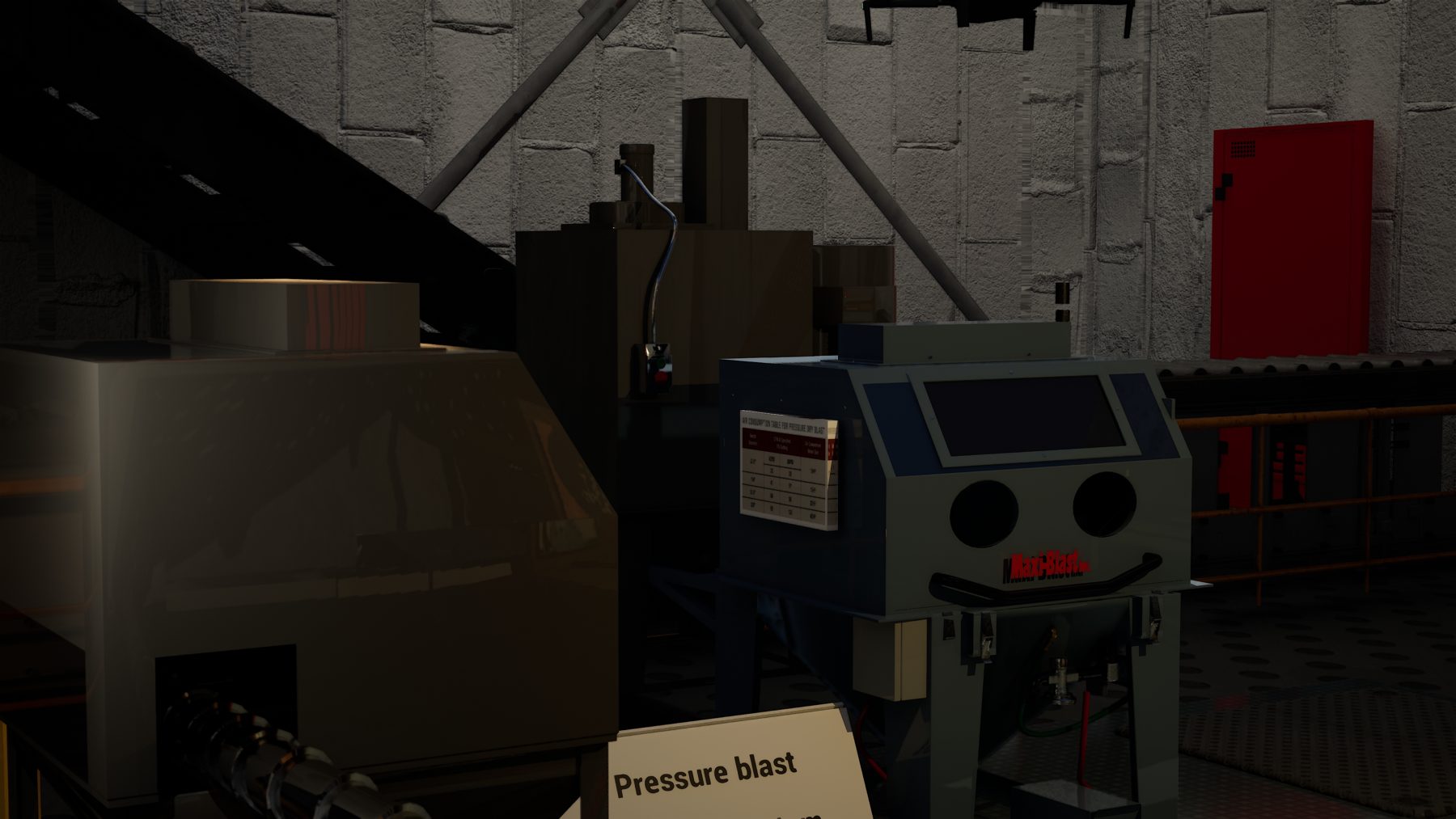
The visitor reaches into the cabinet with tracked hands, grabs the nozzle and blasts the part. Media flow, sound and surface cleaning all react in real time.
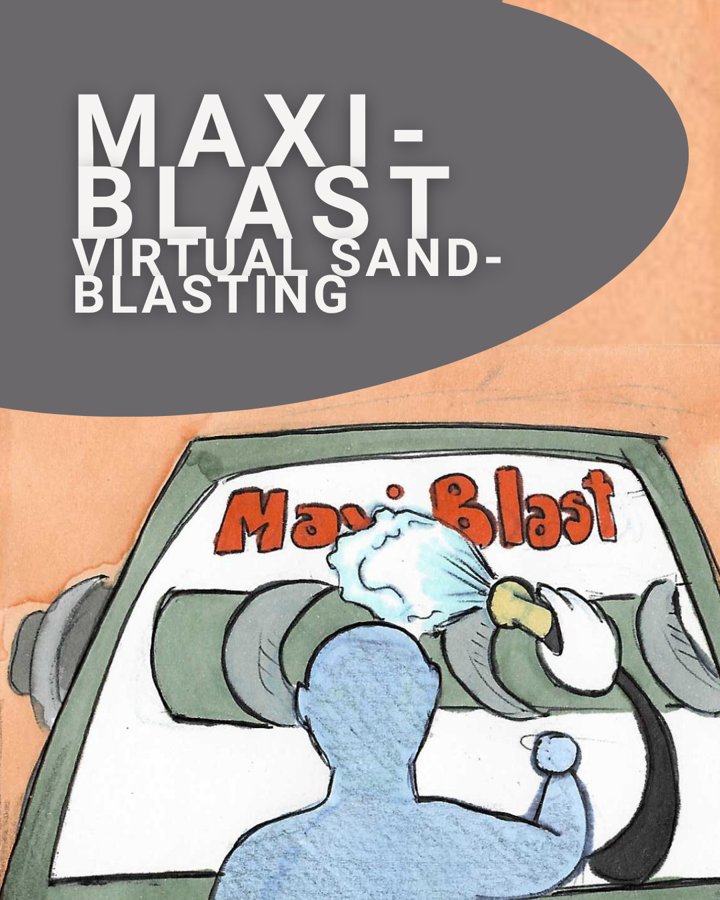
Original concept art for the booth
Inside the experience
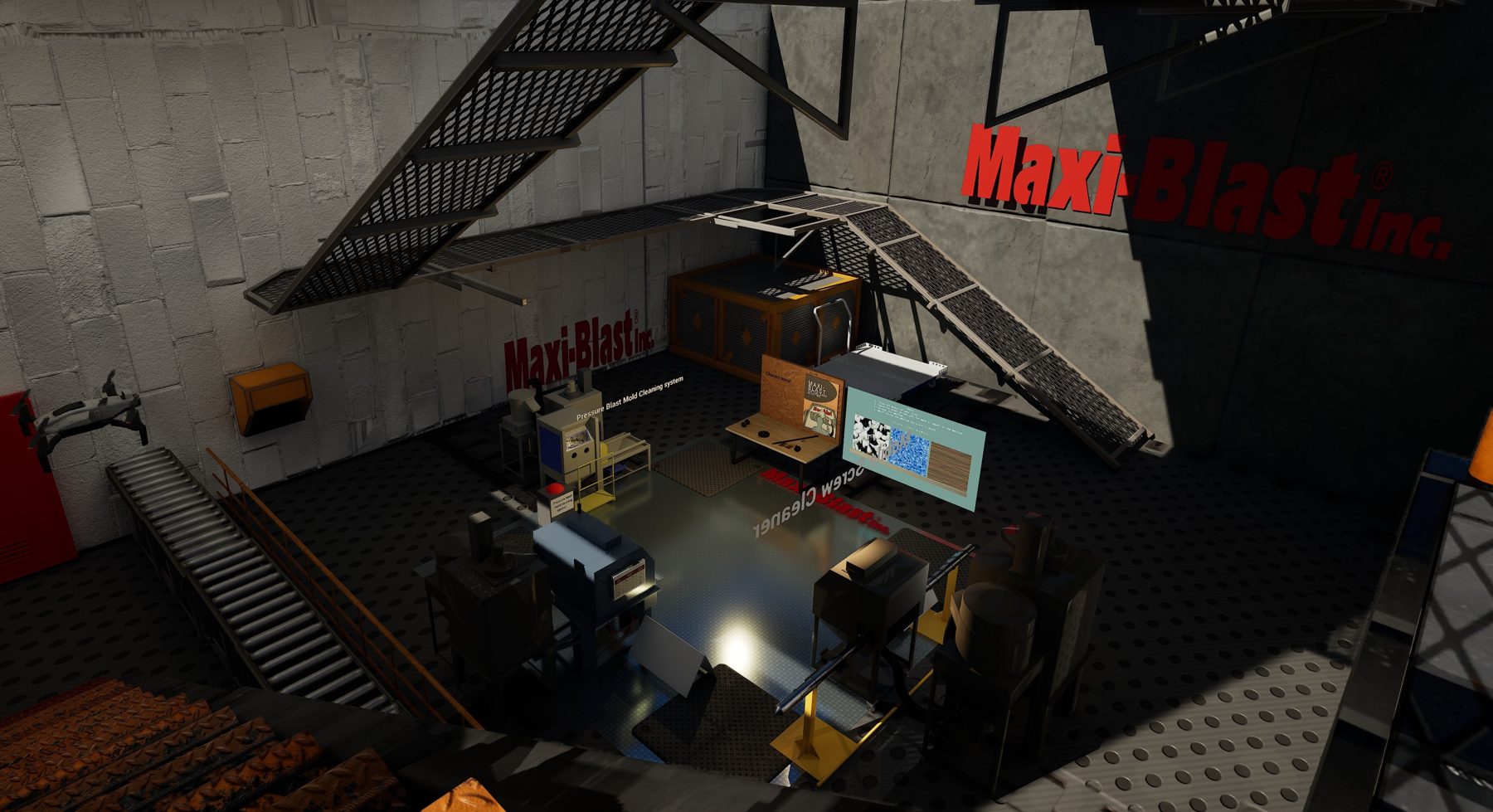
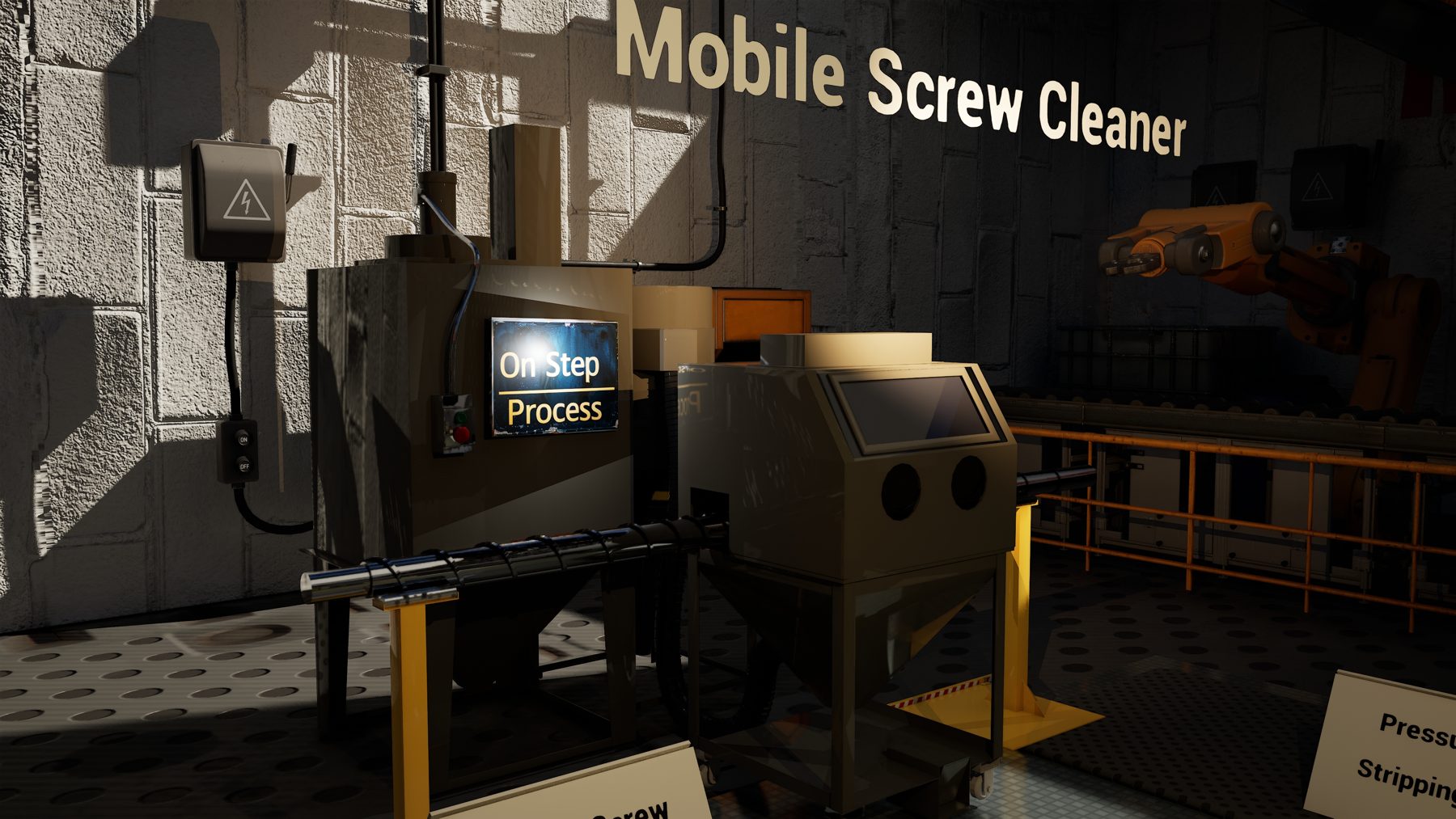
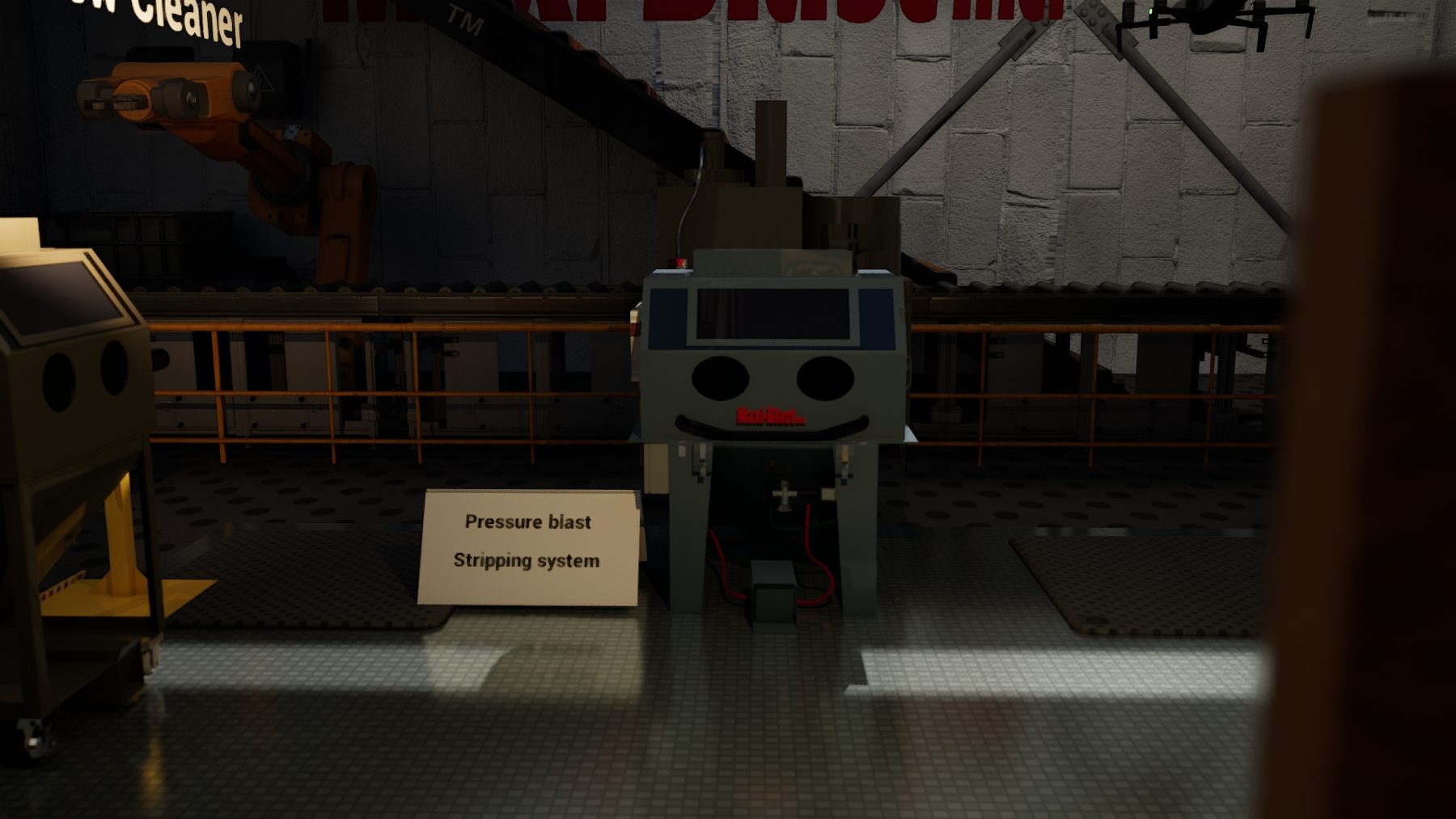
What was built
- Mobile Screw Cleaning System
- Pressure Blast Stripping System
- Pressure Blast Mold Cleaning System
- Maxi-Blast branded environment
- Selectable blast media and parts to clean
- Grabbable hose, blasting inside the cabinets
- Media and mesh info shown at each machine
- Reset controls on the parts table
- Machine and environment audio
- Hand tracking or controllers
- Walkable room-scale layout
- Full source code and project files handed over
Timeline
- Creative kickoff
- Production agreement signed
- Headset app delivered by email with install instructions
- Revision round 1: tighter layout, media/mesh info, hose grab cue
- Revision round 2: in-cabinet blasting, mesh reset
- Source code, project files and Git repo access handed over
Try it yourself
Open the playable web replica on any computer, or in the Meta Quest browser and tap Enter VR. It's a lightweight browser version of the showroom; the original runs natively in Unreal Engine 5 on Quest 3. For a live session in the full build, or the same approach for your machines, get in touch.
Request a demoInstall the full Quest build
The original Unreal Engine 5 app (final build, July 3, 2024) runs natively on Meta Quest 3. It installs outside the Meta store, so it takes about 10 minutes the first time.
Download for Meta Quest (.zip, 545 MB)- Turn on Developer Mode. In the Meta Horizon app on your phone: Devices → your headset → Headset settings → Developer Mode → On. (Requires a free Meta developer account.) This lets the headset run apps from outside the store.
- Install SideQuest on your PC or Mac from sidequestvr.com. It copies apps onto the headset.
- Connect the headset to the computer with a USB-C cable, put it on and accept Allow USB debugging.
- Unzip the download and drag the
.apkfile onto the SideQuest window. Wait for “Installed”. - Launch it. On the headset: App Library → filter Unknown Sources → Maxi-Blast.
No headset or no time? Play the web replica — it runs in any browser and in the Quest browser with no install.